Introduction
Meetings are faster now, yet many rooms still feel slow. Hybrid meeting room solutions sit at the center of this shift. Picture a 9 a.m. stand-up: two people on-site, six remote, one client waiting in a lobby call. You tap the screen, and the system hesitates. That pause costs trust. More than half of meetings include remote voices today, and many rooms run three or more devices at once. Still, small faults add up: a mic not mapped, a camera not switching, a network port with weak QoS. The chain is only as strong as its plain old links (touch panel, firmware, switches). Direct question: if the math is simple, why is the user flow still messy — funny how that works, right? In many offices, the root is not the display or the codec. It is how the room is controlled, and how that control lives on the network. This is where configuration, policy, and updates collide. So, let’s set the scene and pull apart the weakest link, one layer at a time—then compare what works versus what breaks. Next, we go to the heart of the stack.

The Controller: Small Screen, Big Bottleneck
Where does the lag begin?
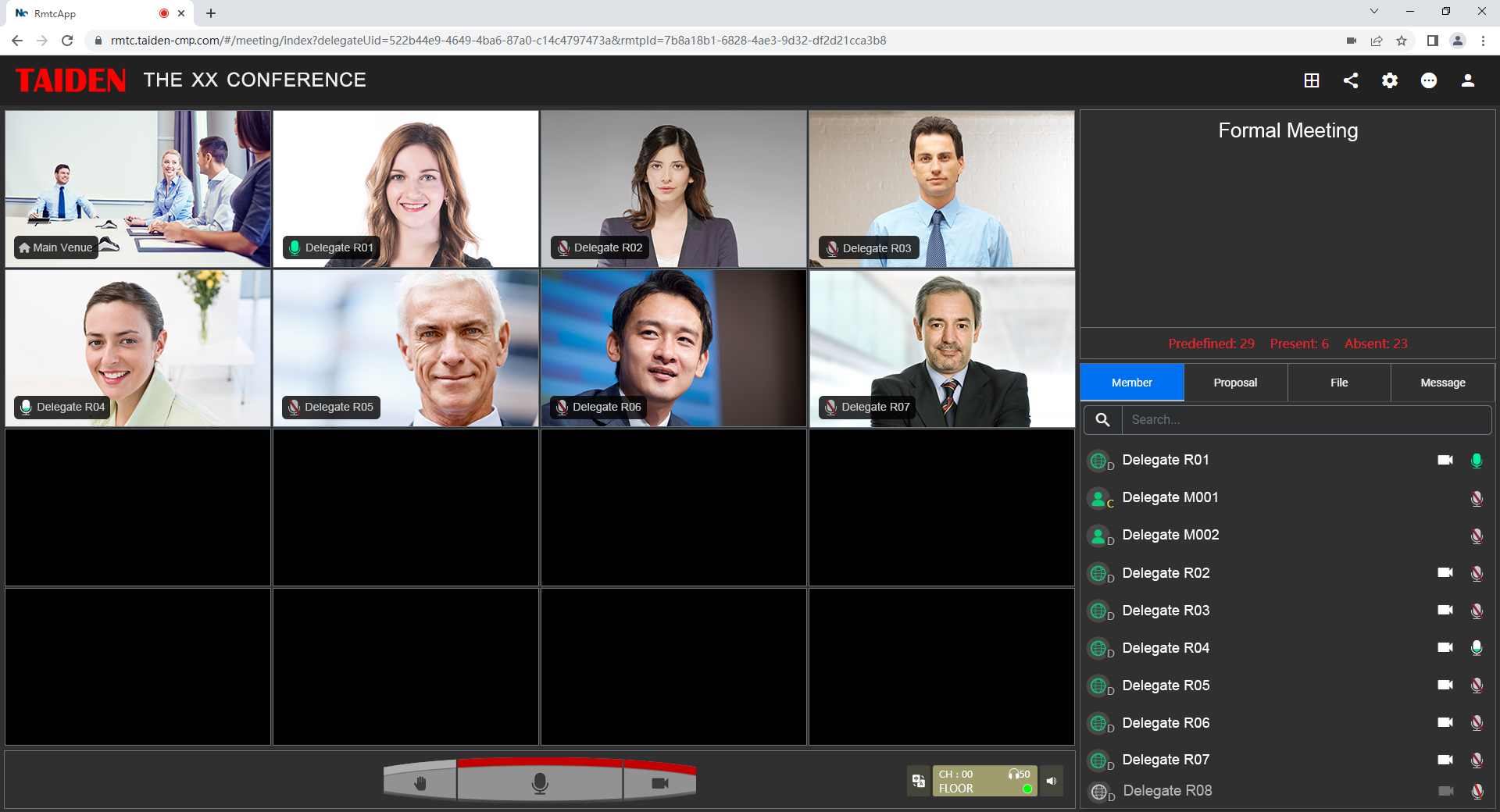
The conference controller looks simple, but it carries the room. It loads presets, starts the call, and routes audio. When it fails, the meeting limps. Legacy panels bundle logic, UI, and device talks into one box. One slow boot and the room stalls. A rigid workflow locks steps in place, even when the team just needs to join fast. Add a shaky control bus, and you get misfires. Then there is the network: old PoE switches, mixed VLANs, and loose QoS let latency jitter creep in. The DSP pipeline wants clean timing; the controller gives it “almost.” That almost breaks lip sync. Look, it’s simpler than you think: a tap must trigger the right chain, at the right time, with zero guesswork.
Updates make it worse. Monolithic firmware stacks are hard to patch, so bugs linger. Role-based access is often light, so admins hide advanced functions to avoid misuse. That means more taps for basic tasks. Device discovery is brittle, too. Dante or AES67 endpoints change IPs; the map falls out of date; the camera won’t follow. Without robust API hooks, every new widget means a custom script that someone forgets to maintain. Users feel this as small friction—longer joins, weird audio, a camera that hunts. The net result: people stop trusting the panel and start calling IT. Meetings should not depend on a lucky tap sequence.
From Panels to Orchestration: A Forward Look
What’s Next
We can compare old stacks with a new model: orchestration over simple control. Here, logic lives in edge computing nodes, not just on the glass. The panel becomes a thin client, while a policy engine handles modes, roles, and devices. Microservices manage camera framing, mute states, and routing as separate parts—safer to update, easier to test. Zero-touch provisioning brings rooms online with a profile, not a playbook. Telemetry feeds a health view in real time (ports, power converters, codec status), so teams fix issues before the call fails. In this setup, a hybrid conference joins fast because the rules are ready, the data path is clean, and the UI shows only what matters— and yes, that matters.
What should you check as you plan the shift? Aim for an evaluative close. First, reliability: measure mean time to join and variance under load; watch jitter on key links. Second, adaptability: confirm API depth, event webhooks, and FOTA for room nodes. Third, observability: require per-device telemetry, RBAC, and clear logs you can read in minutes, not hours. If the new stack scores high on these three, your rooms will feel simple even when the topology is not. We learned that panels fail when they carry too much, and networks fail when policy is vague. Put orchestration at the edge, keep the glass light, and set rules that travel with the meeting. That is how rooms stop stumbling and start scaling—people first, tech second. Powered by real craft and measured outcomes, not magic. See also: TAIDEN.